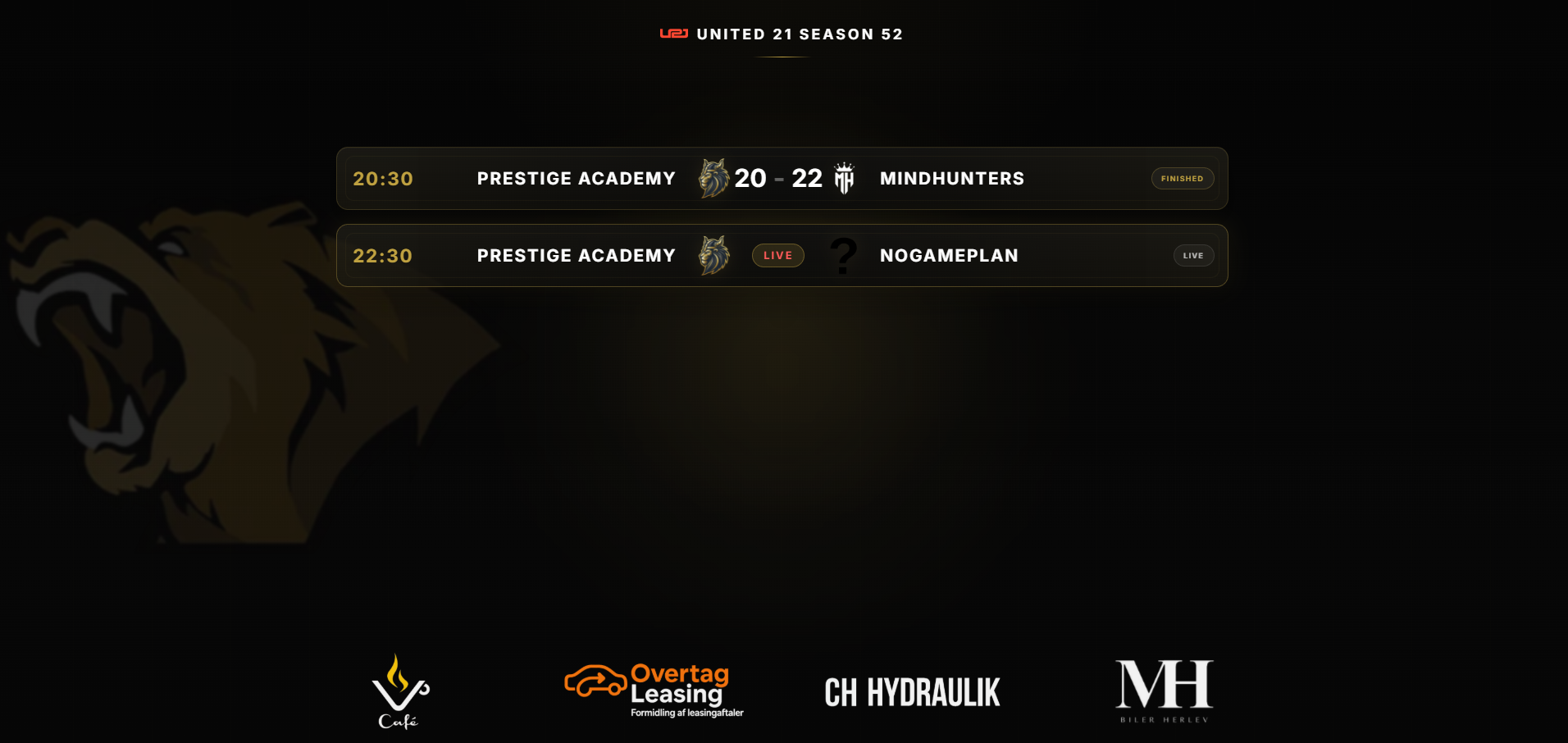
The Bravo HUD
A broadcast HUD that ships with the app.
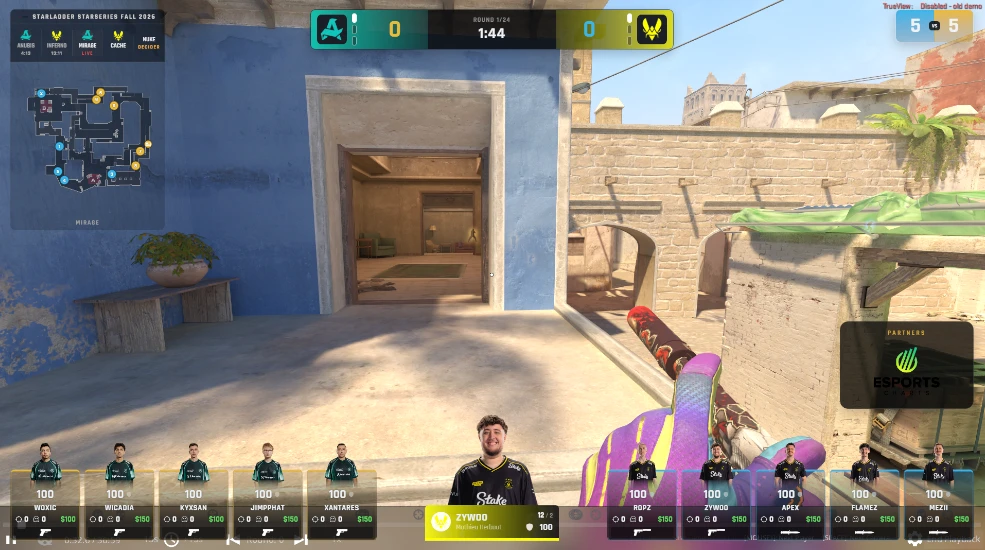
Bravo is Vivara's own in-game HUD. It reads the live match, follows your team colors and X-Ray settings, and moves smoothly between the round, freezetime and the moments in between.
RAD
Live radar
Real per-map radar art for ten CS2 maps, with numbered player dots, multi-level maps handled correctly, and the bomb tracked when it is dropped, carried or planted.
C4
Bomb & defuse
Plant and defuse cards slide in under the scoreboard. When the bomb is down, the scoreboard switches to a live bomb countdown with a shrinking bar.
SB
Scoreboard & series
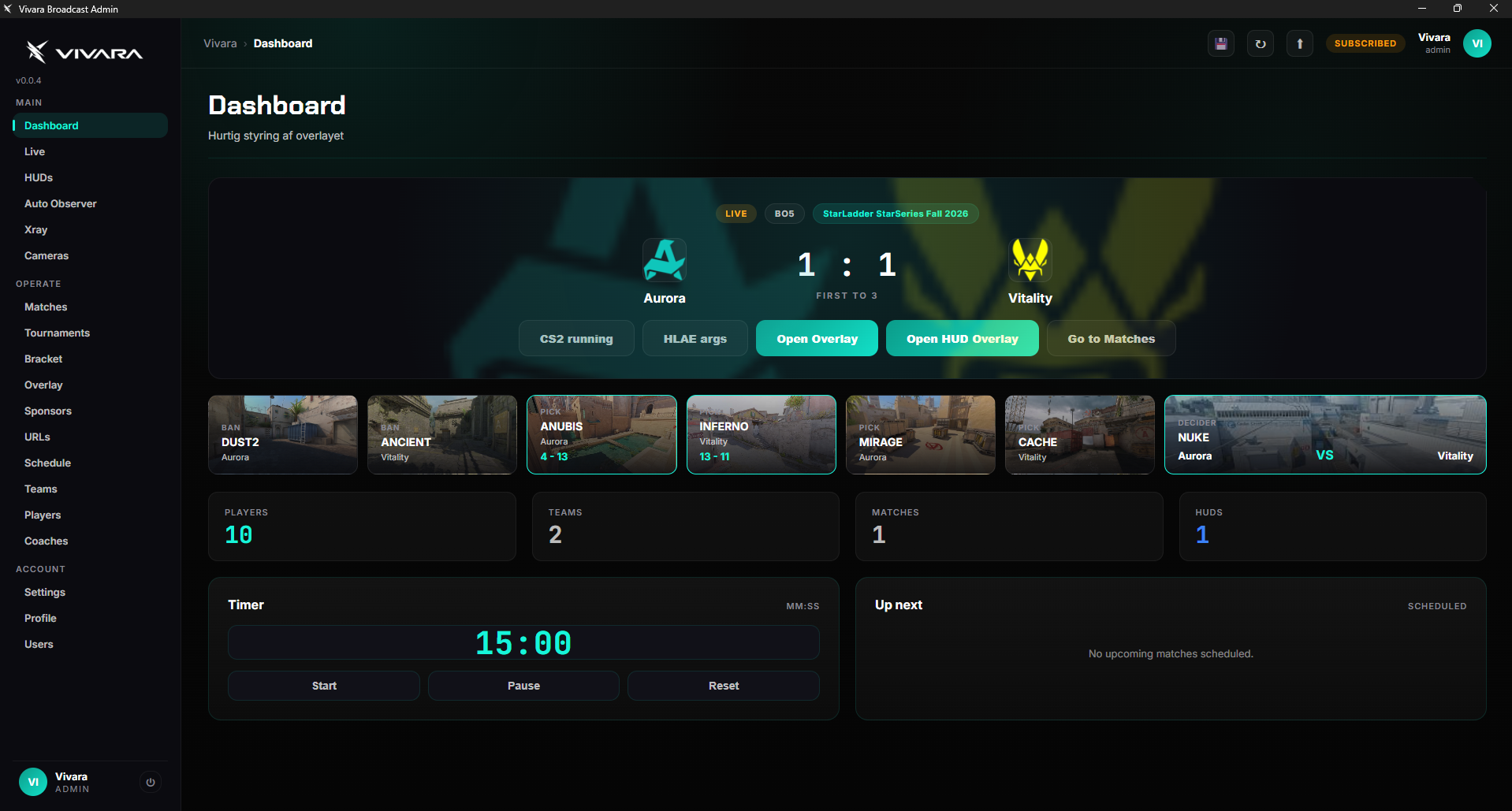
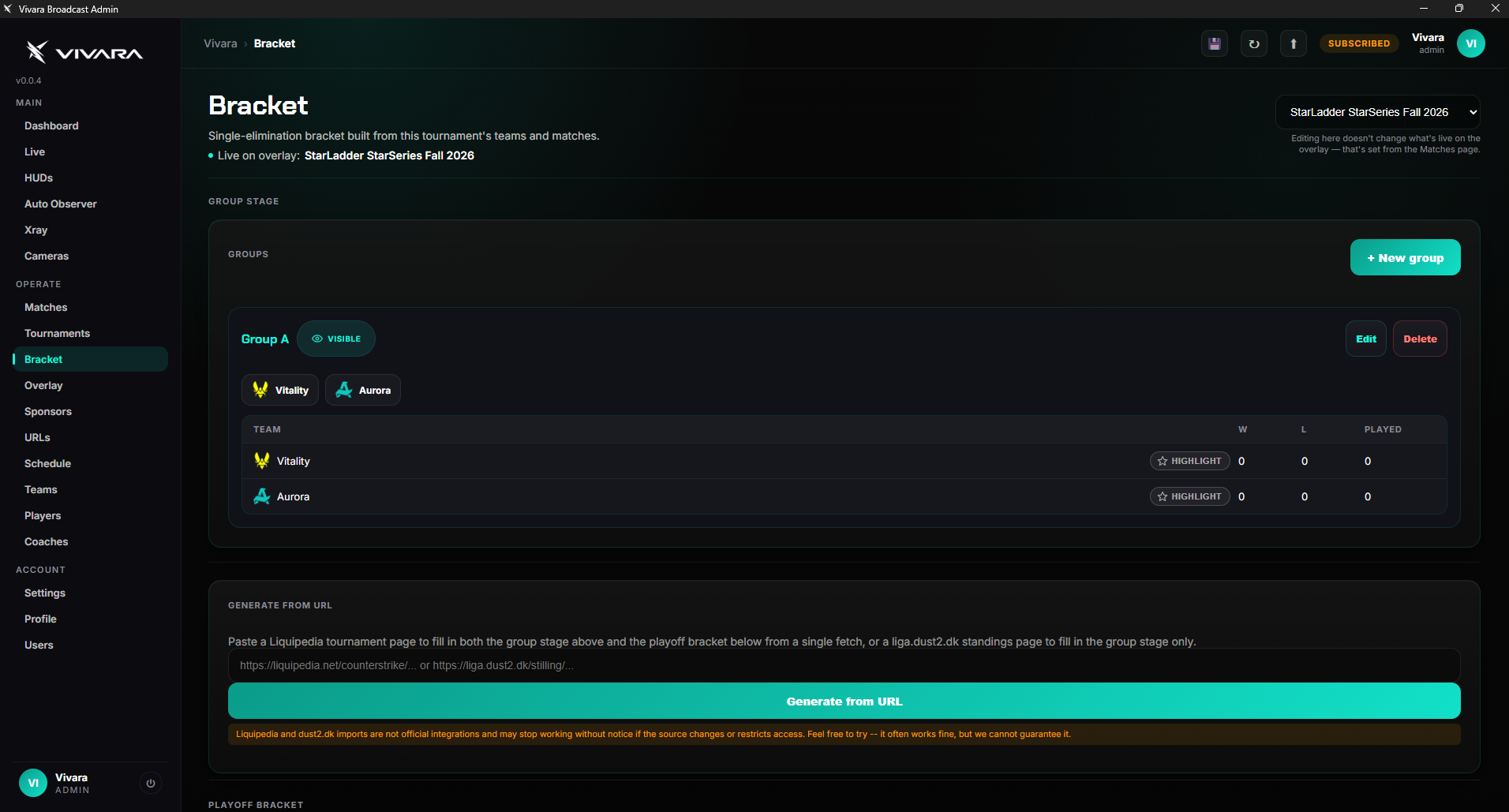
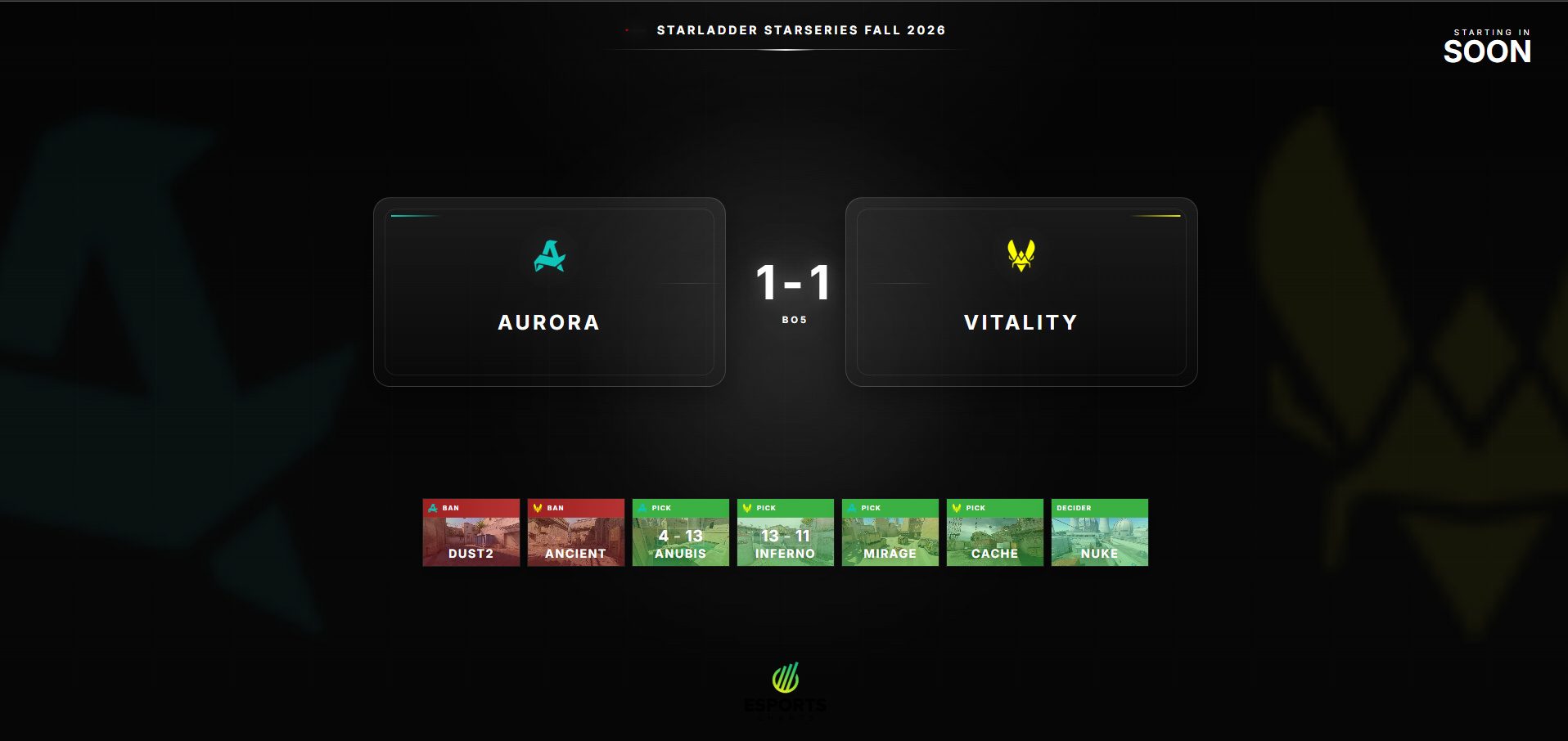
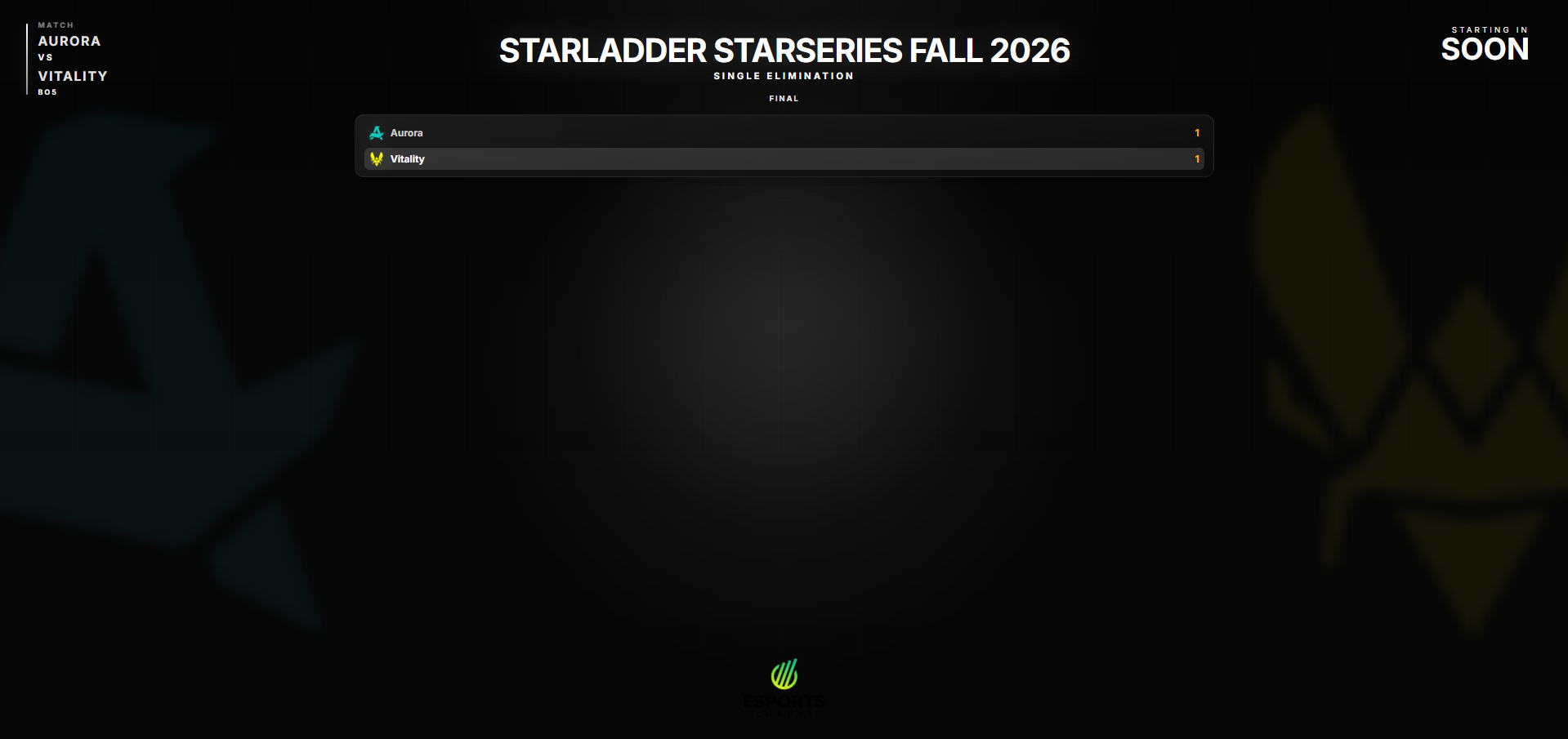
Team logos, live round score in CT/T colors, round timer, and pips that show the series score in a BO1, BO3, BO5 or BO7. A round-winner banner takes over the timer at the end of every round.
$
Freezetime economy
Loss bonus, team money and a grenade/equipment breakdown for both teams, aligned with the scoreboard and gone again when the round goes live.
MVP
Leaderboard & round MVP
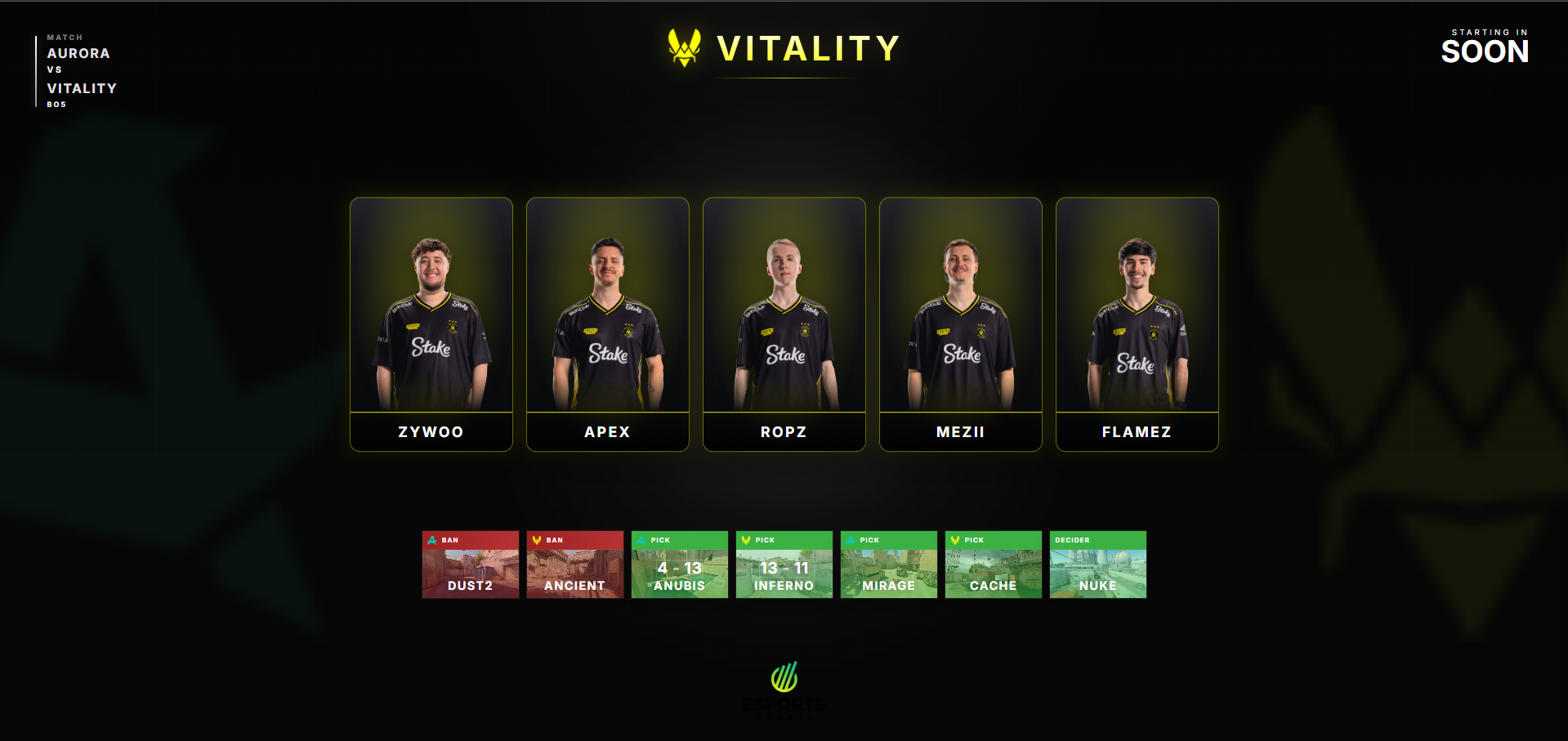
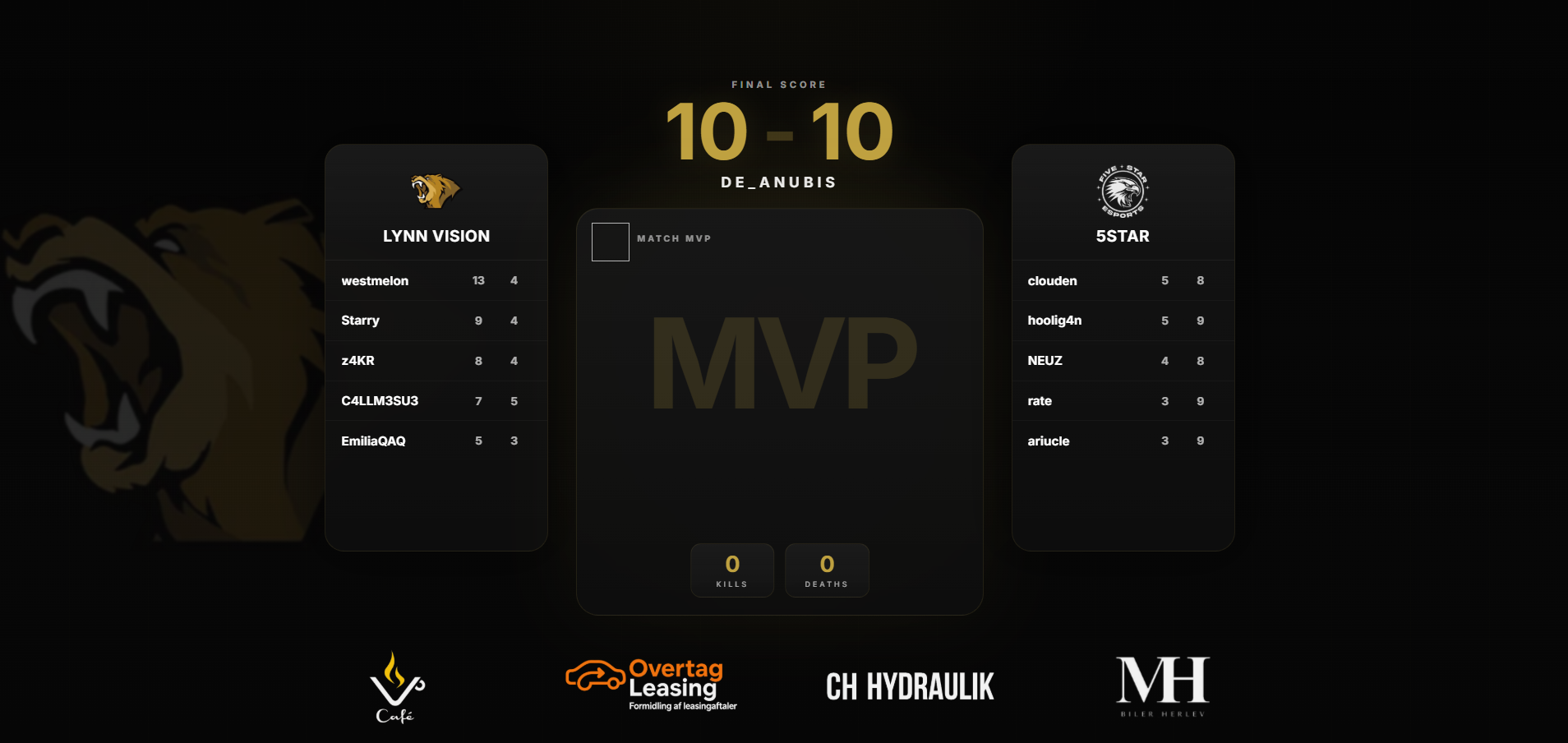
During freezetime the radar makes room for a K/D leaderboard with player photos, and a Round MVP card shows the best player of the last round.
CAM
Observed player & cameras
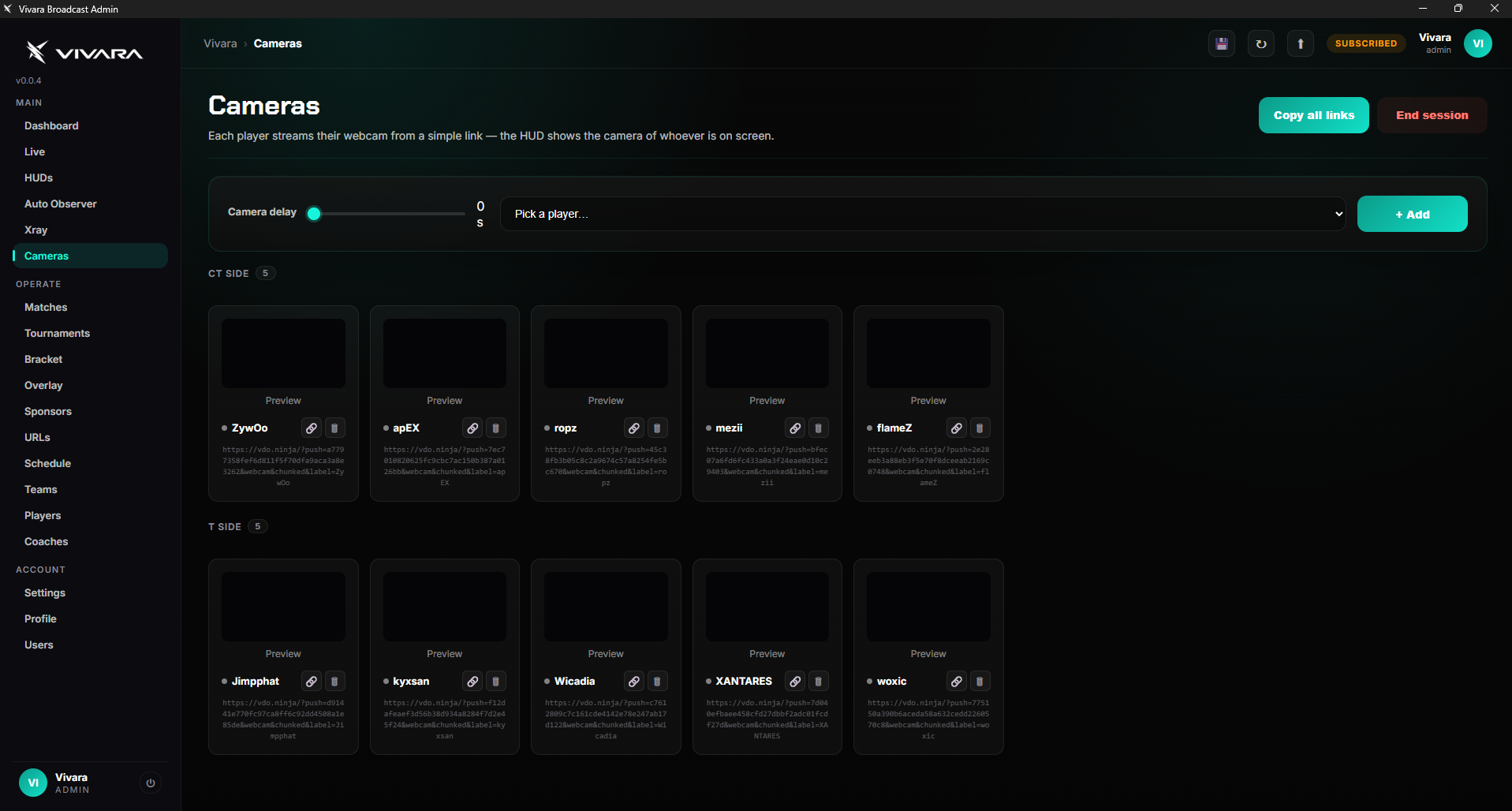
The observed-player card shows photo, name, real name, ammo, armor and health — and swaps the photo for the player's live webcam when one is connected.
MAP
Veto strip & tournament bar
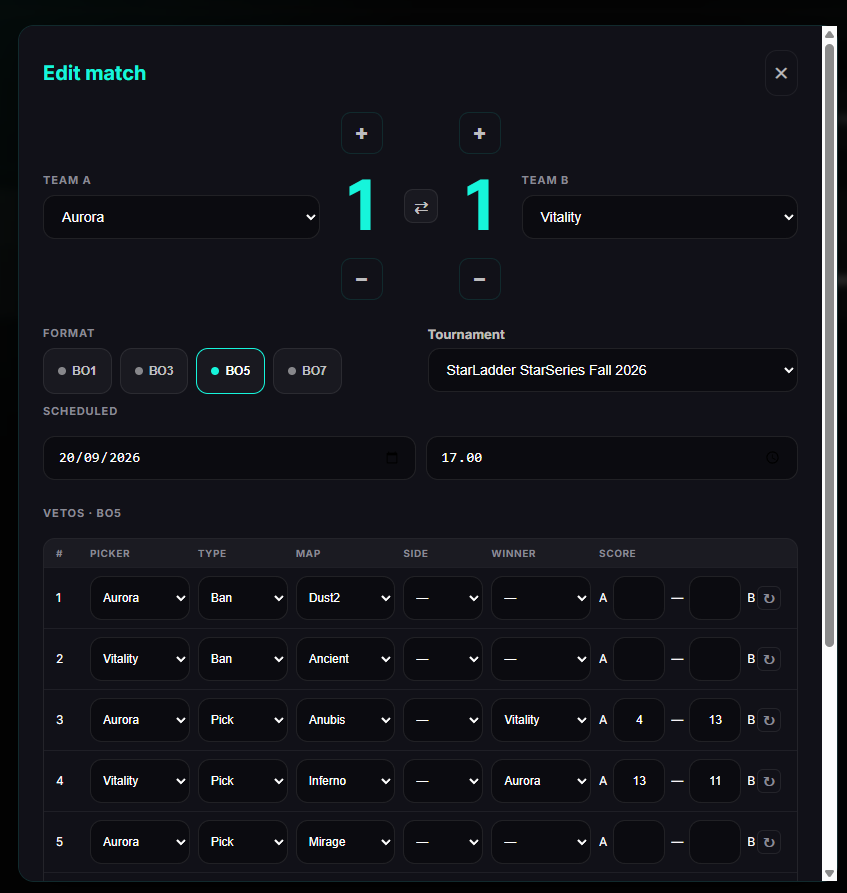
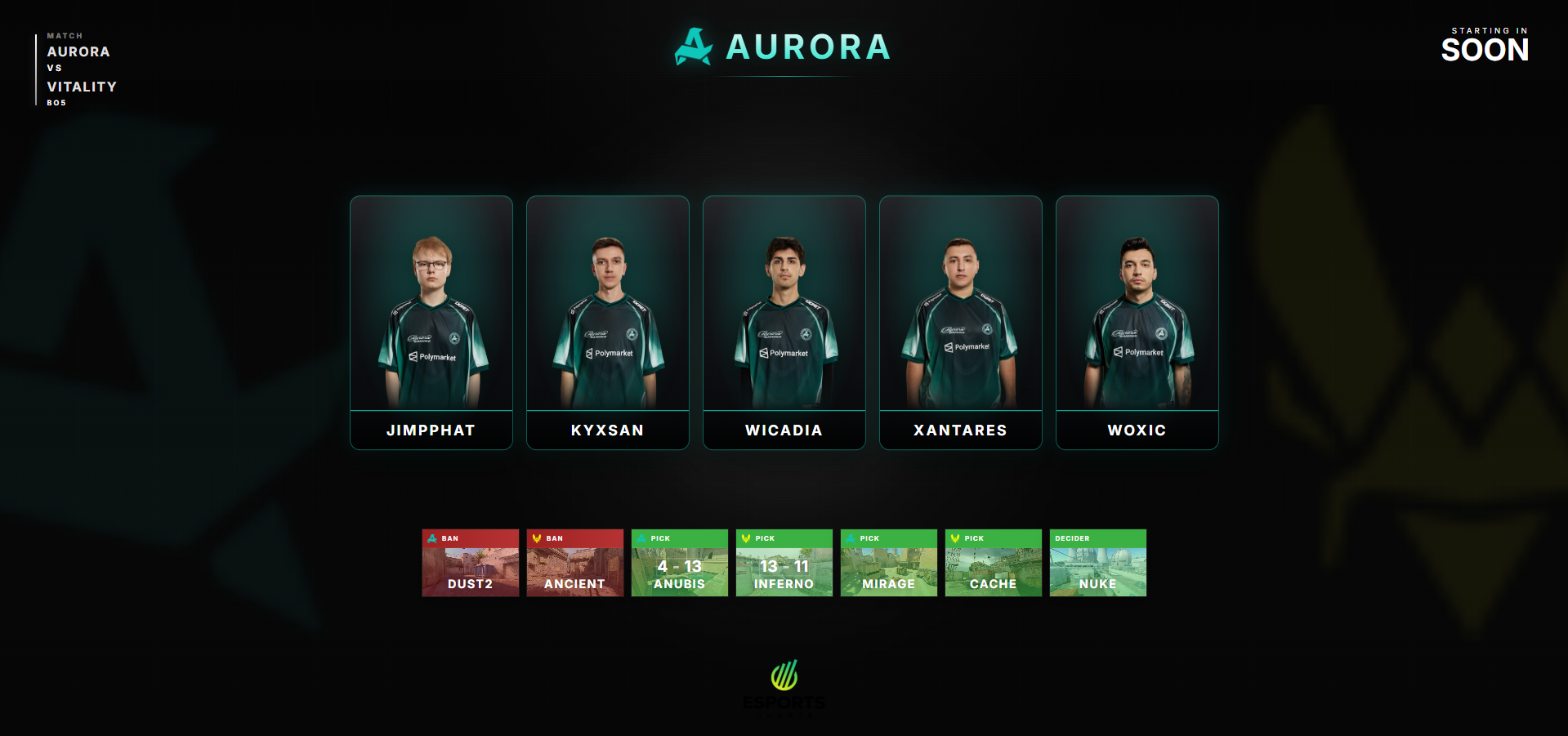
Every map in the series with results as they finish, LIVE and DECIDER labels, and the tournament name above it.
TO
Timeouts & alive count
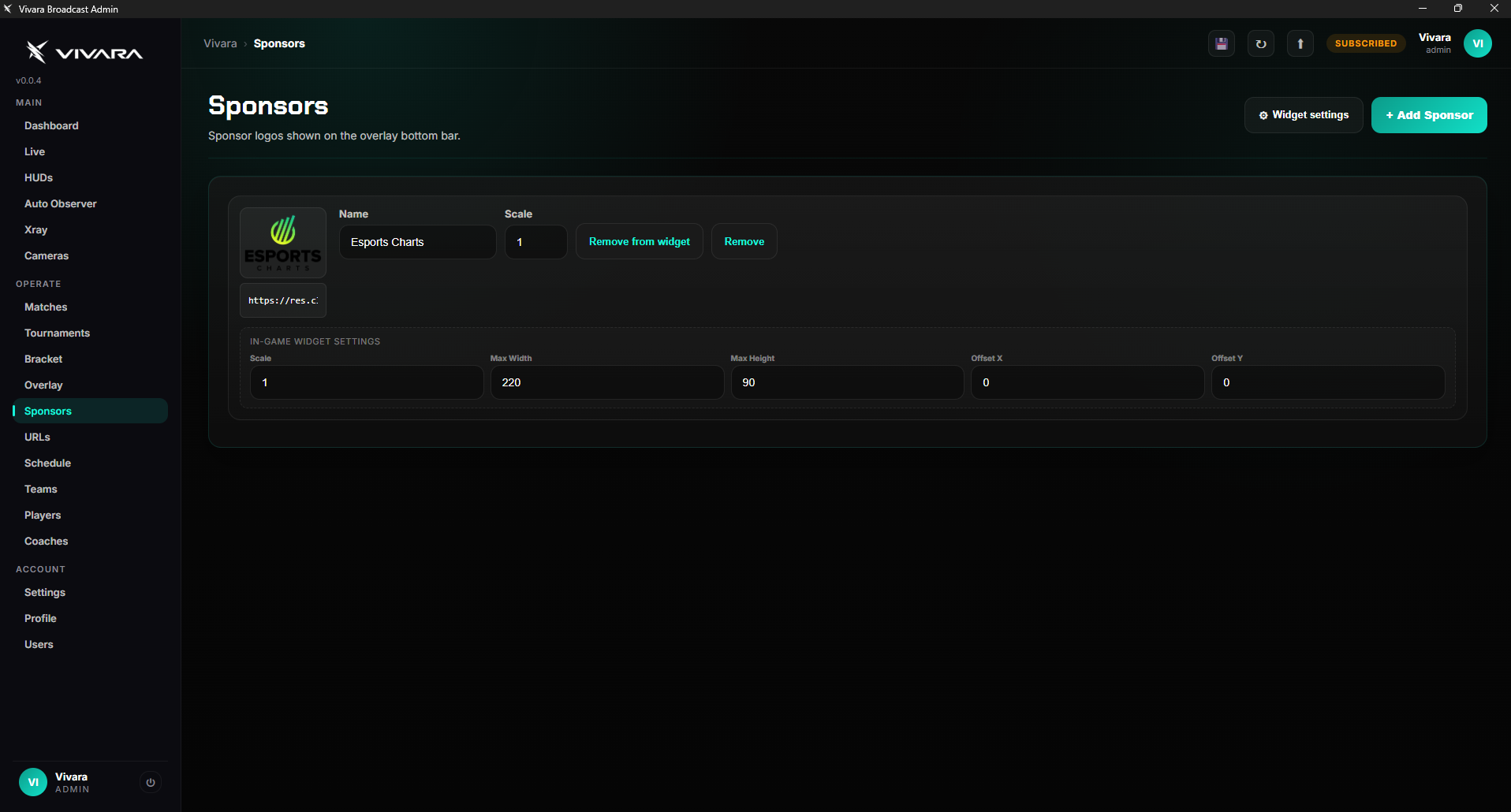
Tactical and technical timeout cards, a live players-alive counter and a rotating partner widget from your sponsor list.
CT/T
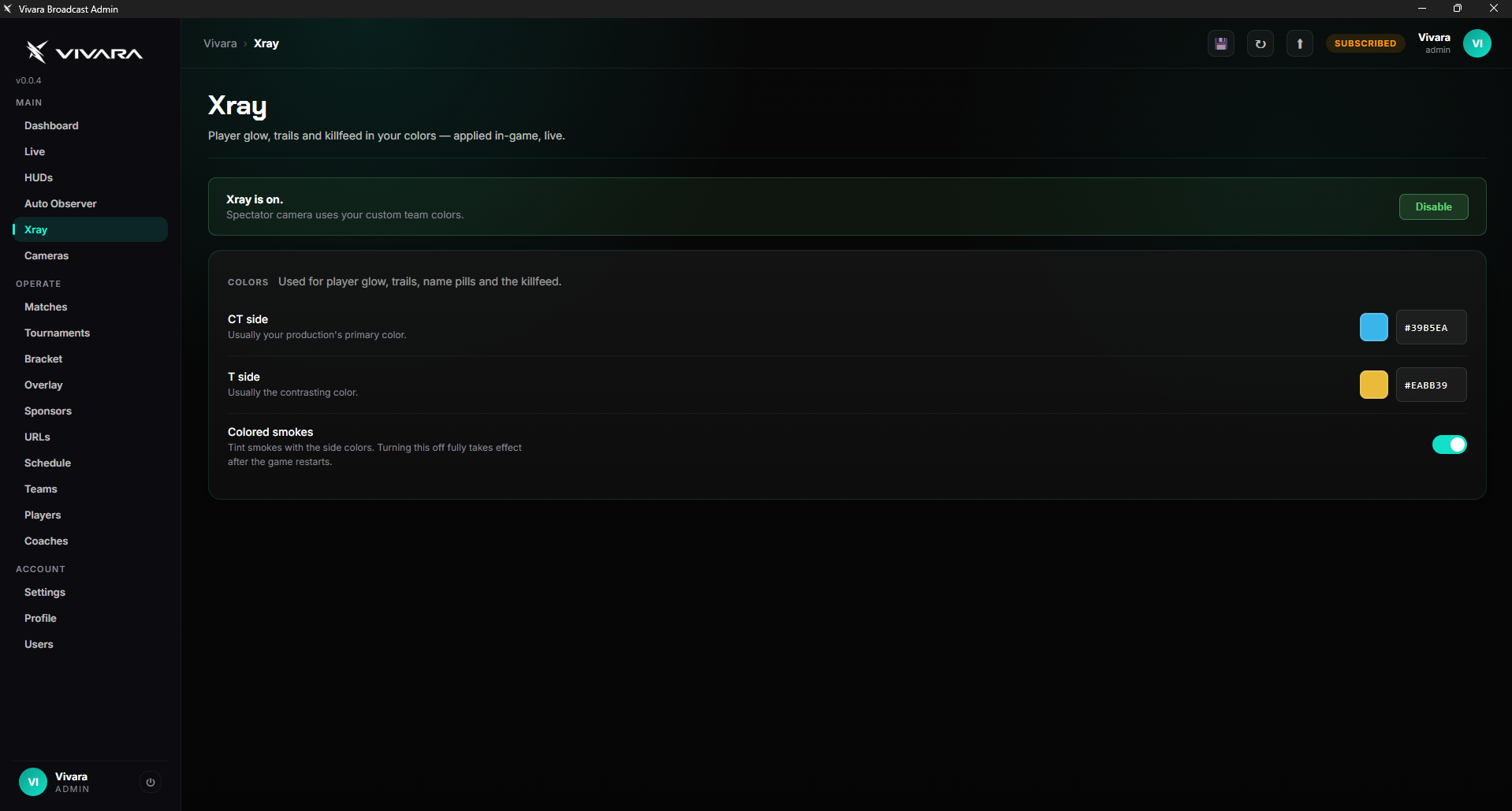
Your colors, everywhere
Pick CT and T colors once under X-Ray and the HUD, killfeed, player glow and radar all follow. Team colors stay on the scoreboard and logos.